How to Start a Successful Live-Streaming Channel from Scratch: A Step-by-Step Guide
Starting a live-streaming channel in 2026 is genuinely accessible to anyone willing to put in consistent effort. You do not need a professional studio, a large budget, or an existing audience. What you do need is a clear plan — and that is exactly what this guide delivers.
Why Live Streaming Is Worth Starting in 2026
Live streaming remains one of the fastest-growing content formats online, with real opportunities for creators across every category — not just gaming. The barrier to entry is lower than ever, while the potential for building a loyal community and generating income has only expanded.
Platforms like Twitch, YouTube Live, and Kick have collectively attracted hundreds of millions of monthly viewers. More importantly, viewer behavior has shifted: audiences increasingly prefer the authenticity and real-time interaction of live content over polished, pre-recorded videos. That shift benefits new creators who prioritize genuine connection over production value.
The competitive reality is worth acknowledging. Millions of channels exist, and standing out takes time. But creators who commit to a defined niche and a consistent schedule still break through regularly — because most people who start streaming quit within the first three months.
Choose Your Niche and Define Your Channel Identity
Picking a focused content niche is the single most important decision you will make before going live for the first time. A clear niche tells potential viewers exactly what to expect and gives your channel a reason to exist beyond "I stream stuff."
Your niche does not have to be narrow to the point of absurdity, but it should be specific enough to attract a defined audience. Gaming, cooking, music performance, fitness, language learning, art creation, and tech tutorials are all viable categories — each with active streaming communities already built around them.
Beyond the topic, think about your channel identity: the tone, personality, and values that will define your streams. Are you educational and calm, or energetic and comedic? Consistency in persona matters as much as consistency in schedule. Viewers return for the person as much as the content.
A practical exercise: write one sentence that completes this prompt — "My channel is the place to watch [specific activity] with someone who [unique quality]." If you cannot complete it clearly, keep refining before you go live.
Pick the Right Platform for Your Goals
The best live-streaming platform depends on your content type, growth goals, and where your target audience already spends time. There is no universally correct answer.
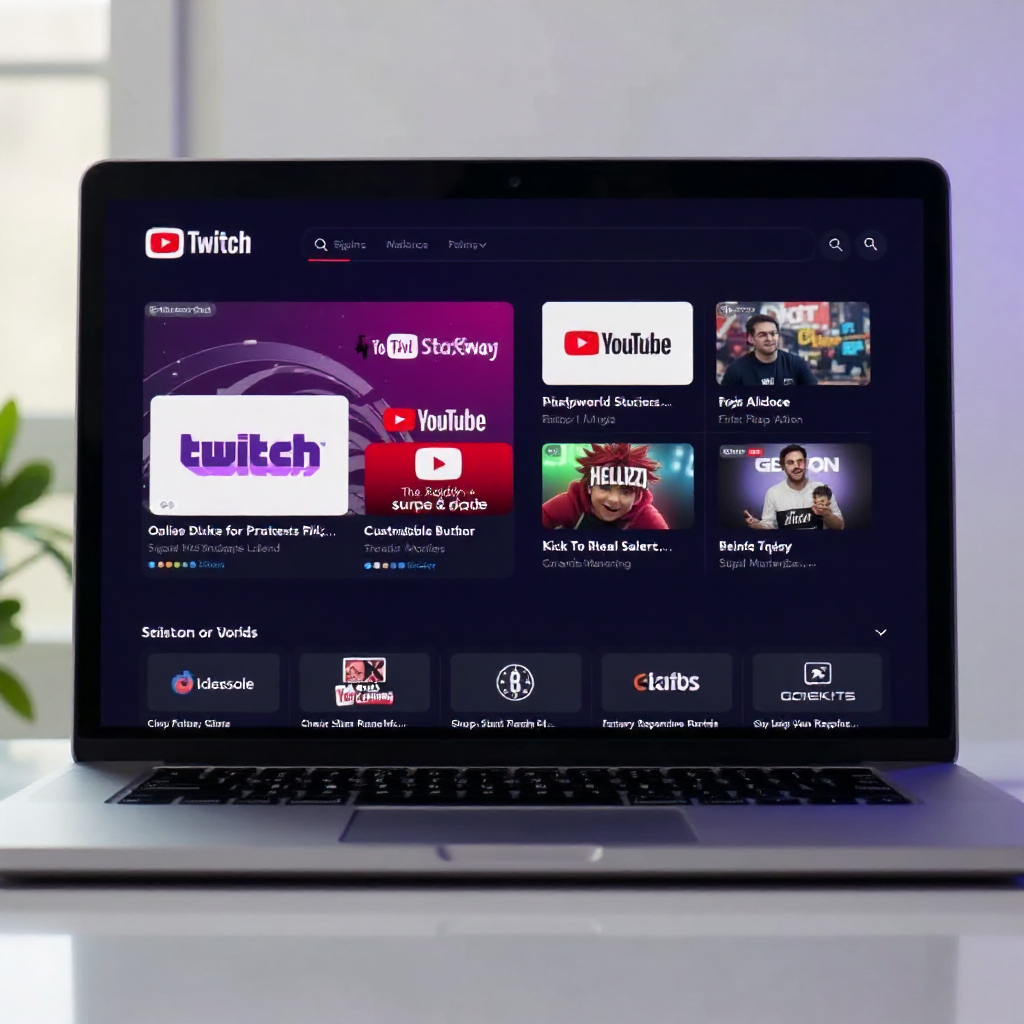
- Twitch is the dominant platform for gaming, but it also hosts thriving communities around music, art, and "Just Chatting" content. Its discovery features favor consistent streamers, and its subscription model is mature. The trade-off: Twitch's exclusivity clause (for affiliate and partner streamers) limits multi-platform streaming.
- YouTube Live suits creators who want their live content to function as permanent video-on-demand after the broadcast ends. If you already have a YouTube presence or produce educational content, this is a natural fit. VOD discoverability gives YouTube Live a long-tail advantage most platforms lack.
- Kick is newer and offers more favorable revenue splits for streamers (95/5 compared to Twitch's standard 50/50). It is growing quickly and has fewer restrictions on content, which attracts creators who felt constrained elsewhere. The audience base is still smaller, which can mean easier initial visibility.
For most beginners, the honest advice is: pick one platform and commit to it for at least six months before evaluating. Splitting attention across multiple platforms early on dilutes your focus without meaningfully multiplying your reach.
Set Up Your Streaming Equipment and Software
You do not need expensive equipment to start streaming. A decent microphone, stable internet, and free software are genuinely sufficient for a first channel — and audio quality matters more than video quality to most viewers.
The Minimum Viable Setup
Here is what you actually need to go live:
- Microphone: A USB condenser microphone in the $50–$80 range produces audio that is noticeably better than a built-in laptop mic. Clear audio is the single biggest quality signal viewers use to judge a stream's professionalism.
- Camera: A 1080p webcam is sufficient to start. Your laptop's built-in camera works in a pinch, but a dedicated webcam improves framing and low-light performance significantly.
- Lighting: Natural light from a window in front of you costs nothing. A basic ring light ($20–$40) solves the problem on cloudy days or evening streams.
- Internet connection: A stable upload speed of at least 6 Mbps is needed for 1080p streaming. Use a wired ethernet connection when possible — Wi-Fi introduces packet loss that disrupts stream quality unpredictably.
Streaming Software: OBS Studio
OBS Studio is the industry-standard streaming software and it is completely free. It handles scene management, audio mixing, transitions, and direct integration with every major platform. The learning curve is real — expect to spend a few hours configuring it before your first stream — but the documentation and community tutorials are extensive.
For stream quality settings, a starting point for most beginner setups: 1080p resolution at 30fps, video bitrate between 4,500–6,000 kbps, and AAC audio at 160 kbps. These settings balance quality with the upload bandwidth most home connections can sustain reliably.
Brand Your Channel and Optimize for Discovery
Channel branding is what makes a first-time viewer remember you and what signals to algorithms that your content is organized and intentional. A branded channel converts casual visitors into followers at a meaningfully higher rate than an unbranded one.
The core branding elements to create before your first stream:
- A profile picture that is recognizable at small sizes (an avatar or logo works better than a detailed scene)
- A channel banner or cover image that communicates your niche and stream schedule at a glance
- Stream overlays — the graphic frames, alert animations, and webcam borders visible during your broadcast. Free overlay templates are available through platforms like OBS's resource community and third-party sites.
For discovery, stream titles and tags are your primary levers. Write titles that describe what is happening in the stream specifically, not generically. "Learning Spanish Vocabulary — Beginner Lesson 12" performs better in search than "Spanish Stream." Use all available tag slots with relevant, specific terms your target viewer would actually search.
Build and Engage Your Audience Consistently
Audience growth on live-streaming platforms is driven more by consistency and engagement than by any single viral moment. Viewers who feel seen and heard during a stream become regulars; regulars become community members; community members bring new viewers.
A fixed stream schedule is non-negotiable for sustainable growth. Treat your stream times like appointments. Viewers who enjoy your content will check back at the same time next week — but only if they can predict when you will be live. Three to four streams per week at consistent times outperforms daily streaming with erratic timing.
During streams, active engagement tactics that actually work:
- Read every chat message aloud and respond to it, even when chatting to two people
- Ask specific questions that invite responses, not just "how is everyone doing?"
- Acknowledge new followers and first-time chatters by name
- Create recurring segments or inside jokes that reward regular viewers
Cross-promotion on social media — particularly short clips from your streams posted to TikTok, Instagram Reels, or YouTube Shorts — extends your reach beyond the live audience. The goal is not to build a second channel; it is to create entry points that funnel new viewers to your live streams.
Community building accelerates when viewers have a place to connect between streams. A Discord server, even a small one, dramatically increases viewer retention because it transforms a passive audience into an active group with a shared identity.
How to Monetize Your Live-Streaming Channel
Monetization becomes realistic once you have a consistent audience, but the path looks different depending on your platform and niche. Chasing revenue too early — before you have genuine viewership — often produces disappointing results and can distort your content decisions in ways that hurt long-term growth.
The main monetization paths, roughly in the order most creators encounter them:
- Platform programs: Twitch Affiliate (requires 50 followers, 500 total minutes broadcast, average 3 concurrent viewers) and YouTube's monetization threshold unlock subscriptions and ad revenue. These are realistic first milestones, typically reachable within 3–6 months for consistent streamers.
- Viewer donations: Tools like StreamElements or direct payment links allow viewers to support you before you qualify for platform programs. Many small channels generate their first income this way.
- Sponsorships: Brand partnerships become available earlier than most new streamers expect — even channels with a few hundred dedicated viewers can attract niche sponsors relevant to their content category. The key is an engaged audience, not just a large one.
- Merchandise: Once your channel has a recognizable identity and a core community, branded merchandise can generate meaningful income. Start simple — a few designs on a print-on-demand platform requires no upfront inventory investment.
Realistic income context: most streamers earn little or nothing in their first year. Those who persist past the 12-month mark with consistent effort tend to see compounding returns as their community matures. Treating it as a long-term creative project rather than a quick revenue source is the mental model that sustains creators through the slow early phase.
Frequently Asked Questions
How long does it take to grow a live-streaming channel from scratch?
Most channels with consistent effort see meaningful growth between 6 and 18 months. Early growth is slow by nature — algorithms and platform discovery systems favor channels with proven engagement history. Creators who stream 3–4 times per week and actively engage their audience typically hit their first significant milestones (affiliate status, 100 regular viewers) within 6–12 months.
Do I need expensive equipment to start streaming?
No. A USB microphone, a basic webcam, and a free copy of OBS Studio are genuinely sufficient to launch a watchable channel. Upgrade equipment incrementally as your audience grows — spending heavily before you have viewers is one of the most common early mistakes.
How often should I stream to grow my audience?
Three to four streams per week at consistent times is the practical sweet spot for most beginners. Streaming more frequently helps, but only if you can sustain the quality and energy. Burning out after two months of daily streams is worse for growth than a sustainable three-day schedule maintained for a year.
Which platform is best for beginners?
YouTube Live is often the best starting point for non-gaming creators because streams are automatically saved as searchable VODs, giving your content a longer discovery window. For gaming content, Twitch's existing community infrastructure makes it easier to find an audience quickly. Kick is worth considering if revenue share is a priority from day one.
Can you make money live streaming without a large following?
Yes — engagement rate matters more than raw follower count for early monetization. A channel with 200 highly engaged viewers who donate, subscribe, and interact will generate more income than one with 2,000 passive followers. Niche sponsorships, viewer donations, and community membership programs are all accessible at modest audience sizes.